Features
Design the booth.
Organise the business.
Everything on this page is on every plan, including the frame editor, the hardware support and cloud guest photos. Plans differ by how many booths you run, how much storage you get, and whether the gallery carries your own domain.
Design your own frames
Upload the artwork you already have, drag the photo openings onto it, add text. Unlimited frames on every plan, and the preview is what prints.
Change a booth from your laptop
Headline, logo, colours, frames, countdown, copies, filters. Save it in the dashboard and the booth picks it up in about a minute. No USB stick, no restart.
Works with the kit you own
Pair any camera and printer Windows can drive, then set paper size, cutter and camera source once. No brand lock-in.
Booths, events and photos in one place
Run several booths and a full calendar from one dashboard. Guest photos are stored against the right event and stay searchable, with retention you set.
What would you like?






Your photos are ready
Priya & Arjun · 14 Feb
Scan on the strip
No app. No sign-up.
Works on one bar.
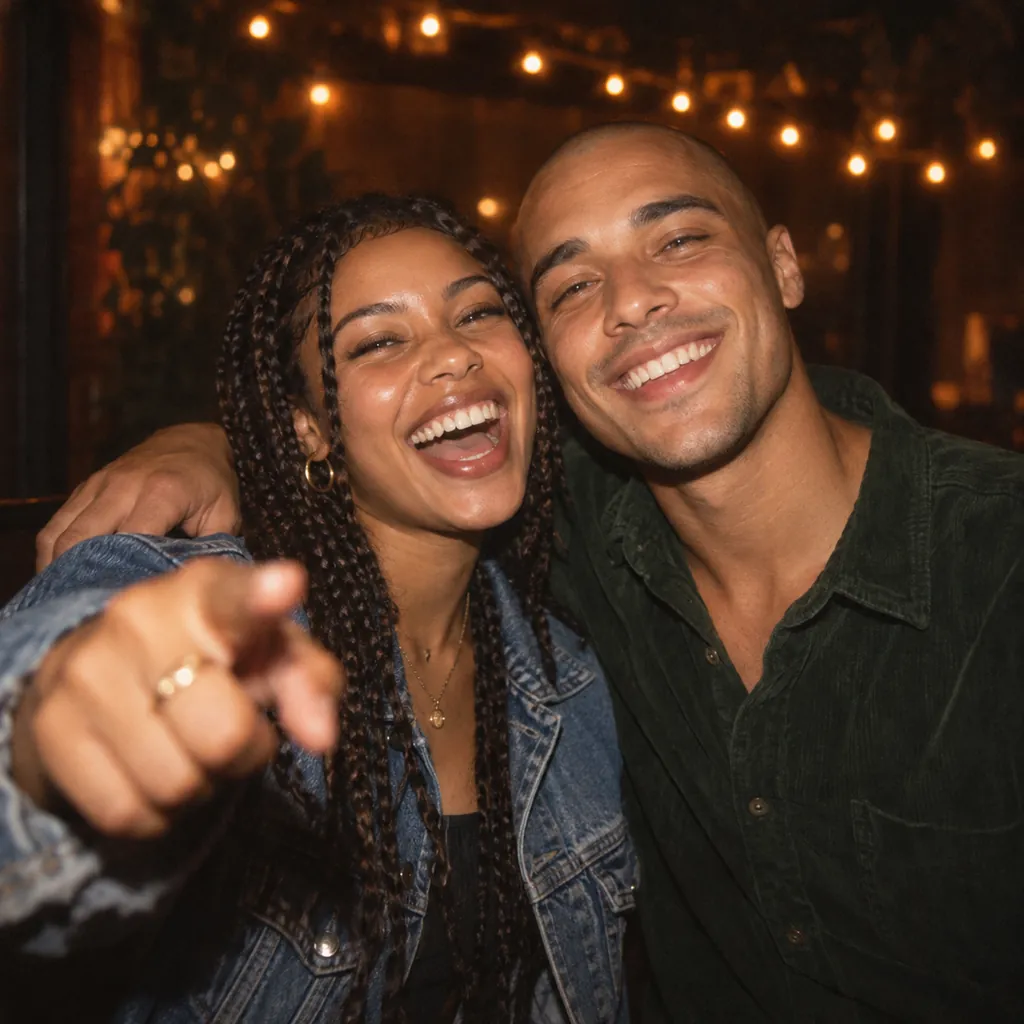
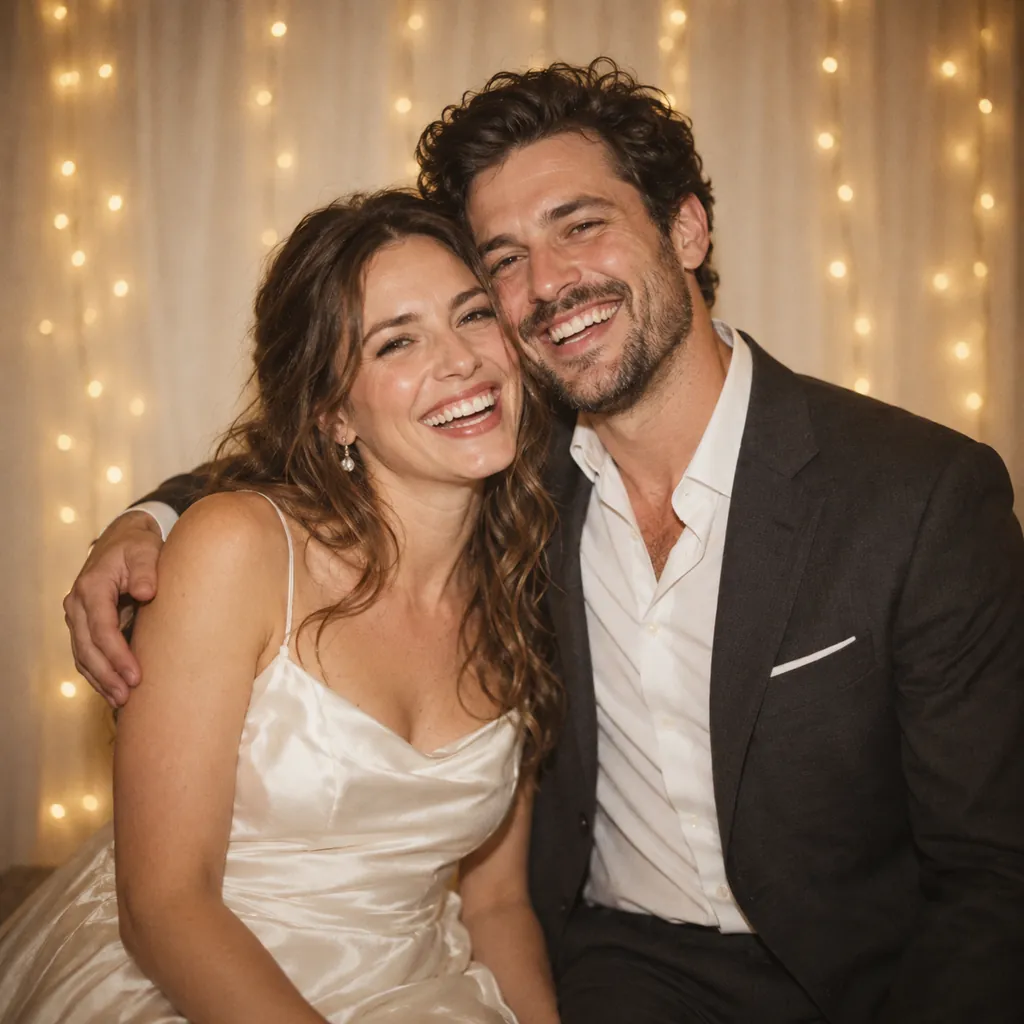
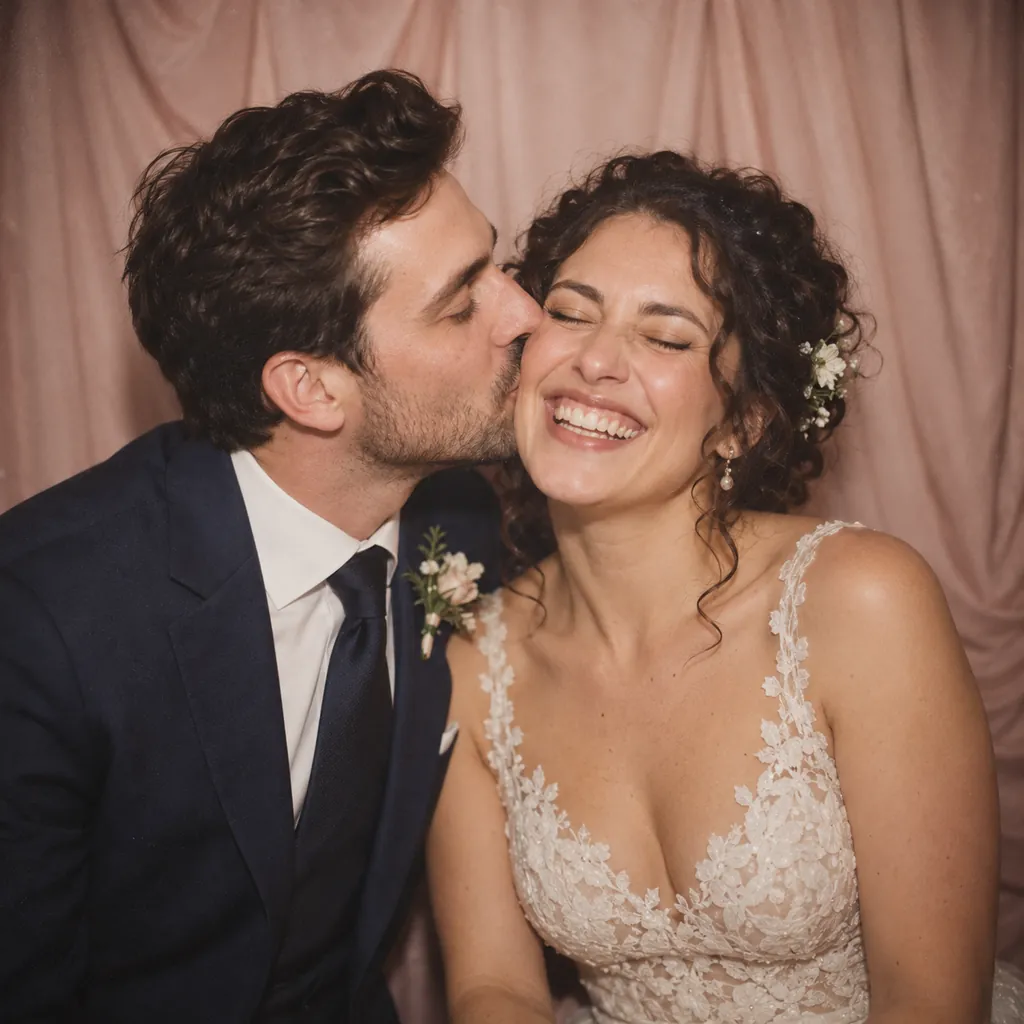
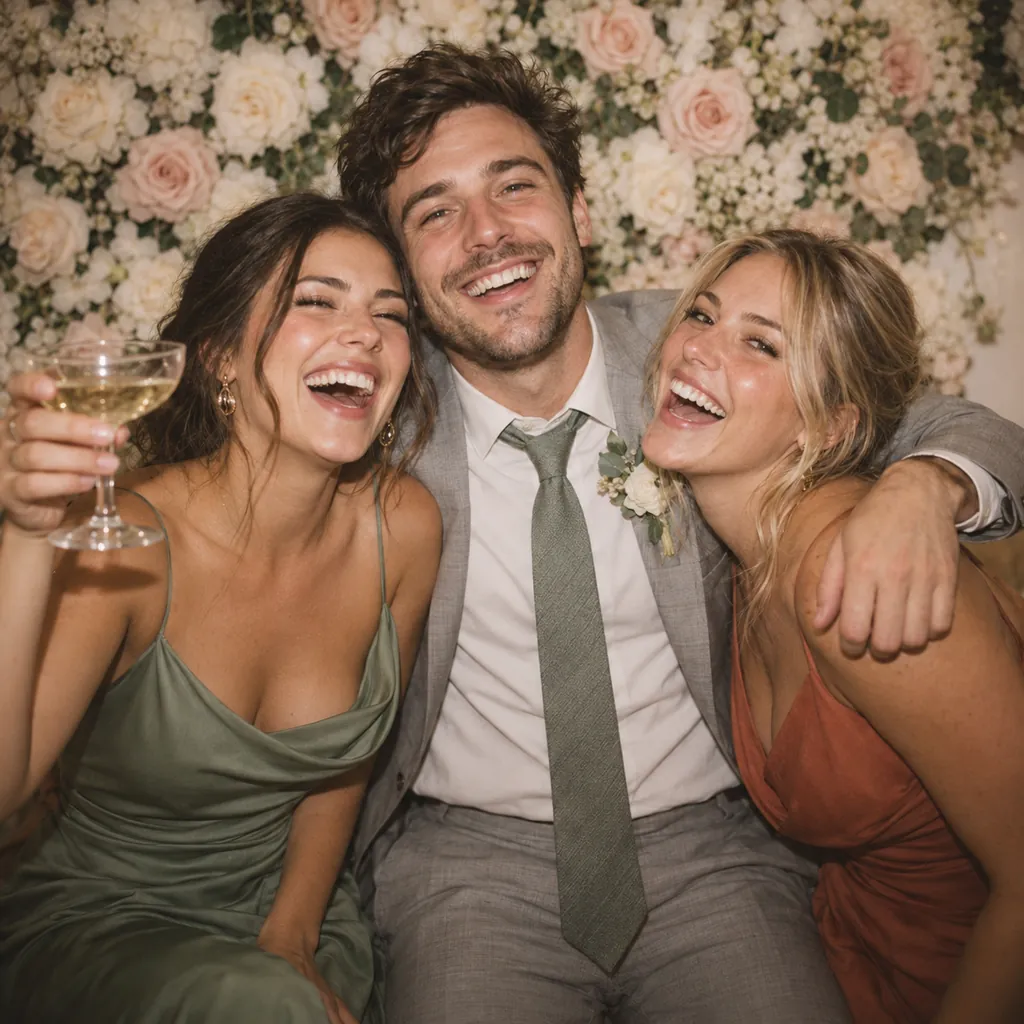
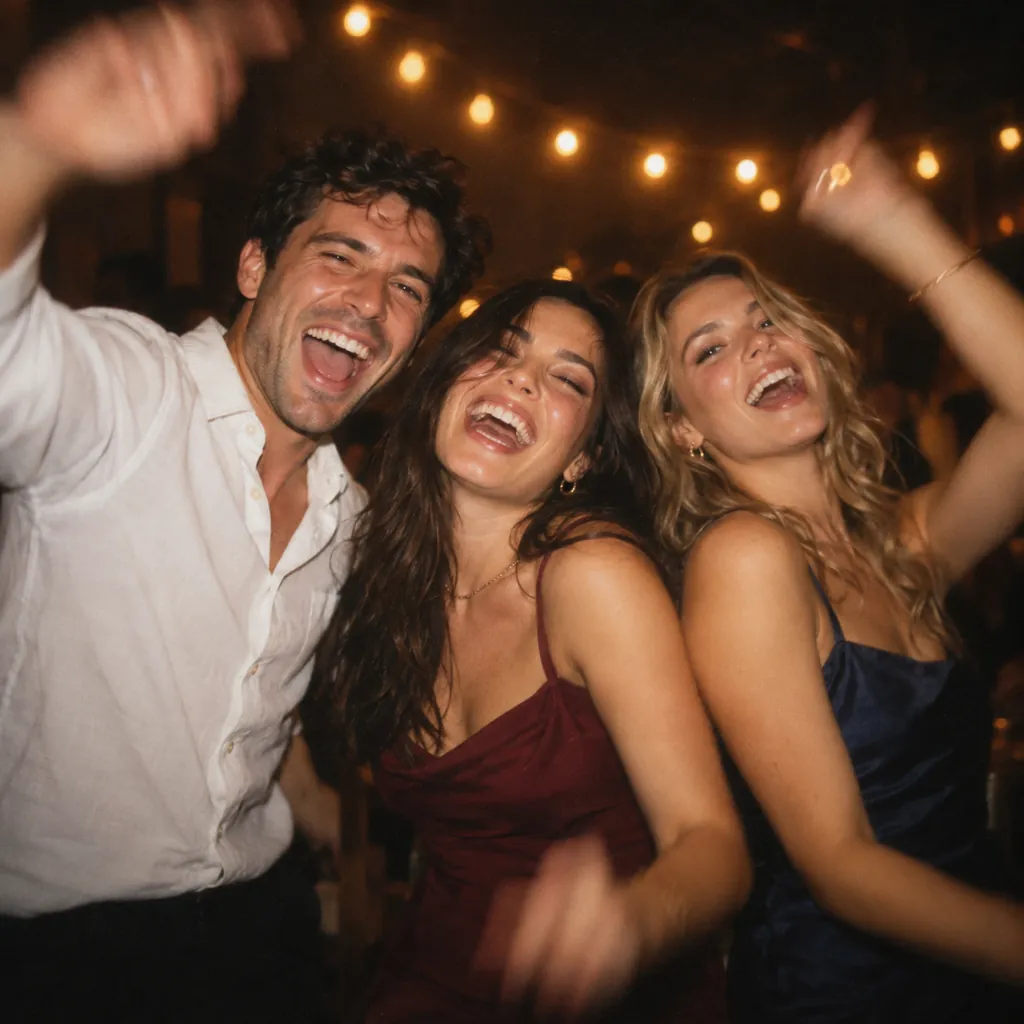
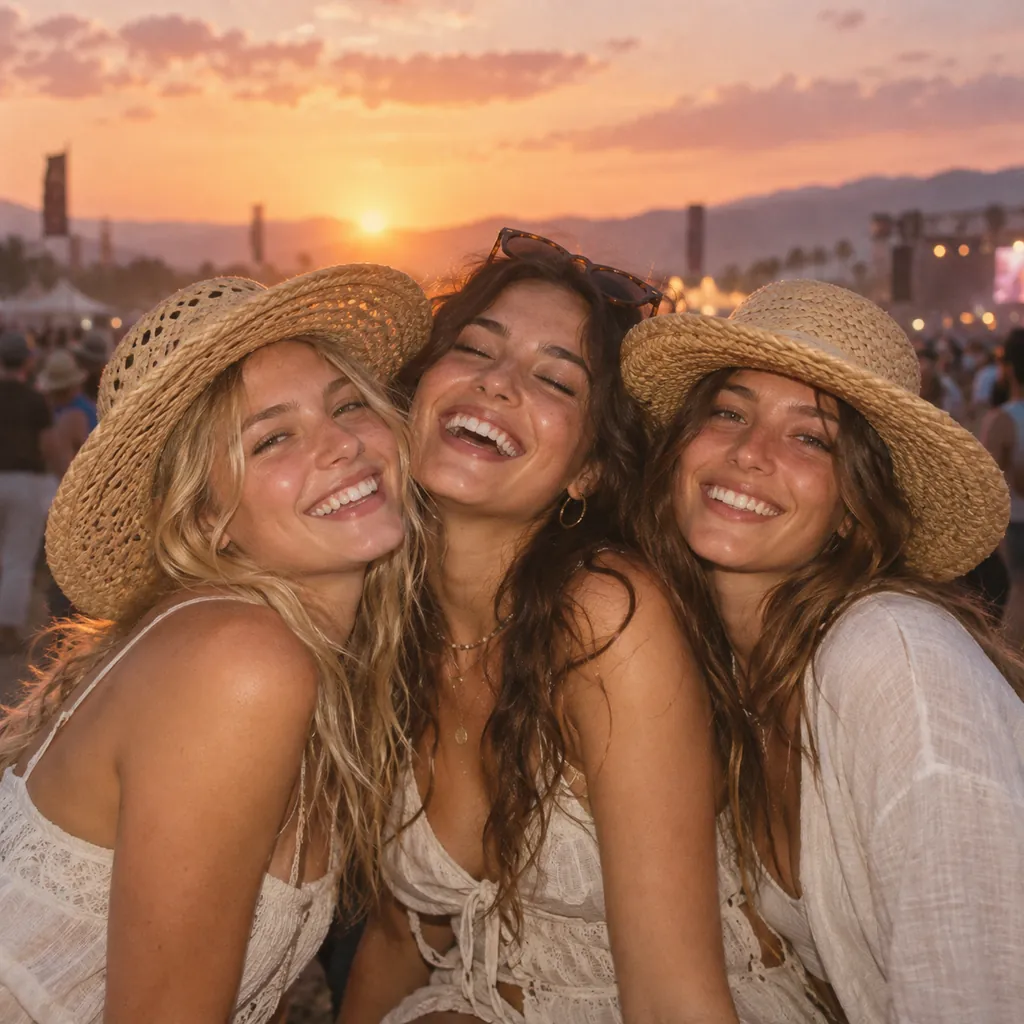
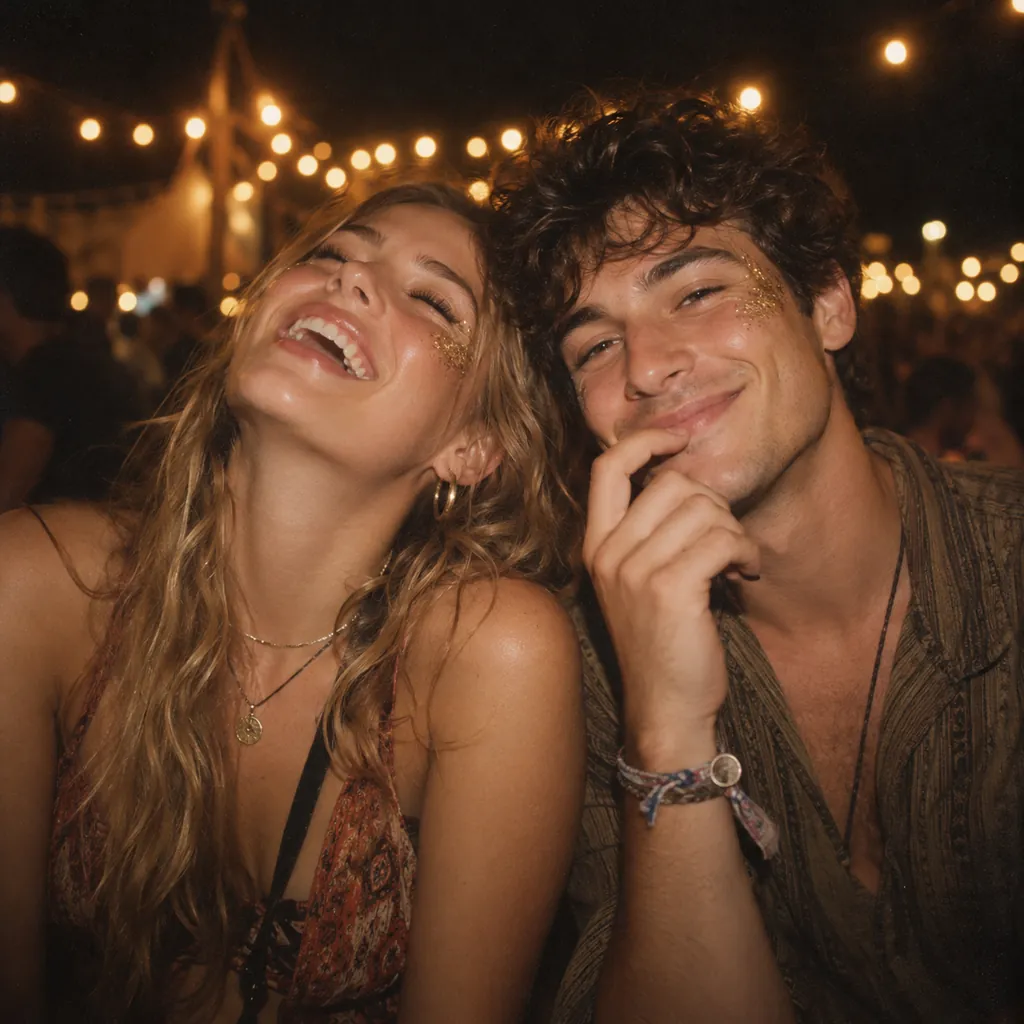
Booth screen, printed strip and guest gallery, illustrated with example photos.
01
Frames
Upload your artwork, place the photo openings, send it to the booth.
Upload any artwork
A client overlay, a seasonal design, a logo that arrived on Thursday. If it is an image, it can be a frame.
Drag the openings
Place, resize, rotate and round each photo slot. The number of slots sets how many shots the booth takes.
Text on the print
Names, dates, a hashtag, a thank-you line, on the same canvas as the photos. You see the finished strip before anyone prints it.
Preview matches the print
The editor and the printer use the same renderer, so a frame cannot look right on screen and wrong on paper.
Any size you draw
Unlimited frames, each sized however you like, and that size is what prints. Choose which ones an event offers so a corporate booking never shows last Saturday’s wedding overlay.
Guests can switch frames
On the review screen they can try their shots in another design, limited to frames those shots can fill.
02
At the booth
What guests touch, and what you can change without walking over.
Full-screen kiosk
A locked-down Windows kiosk with no visible way out. Staff open Setup by tapping the top-left corner five times.
Everything is per event
Headline, subline, logo, colours, attract media, frames, filters, countdown, copies and gallery rules. All from the browser.
Hands-free capture
Countdown, flash, pause, repeat. The burst runs on a timer you set, so nobody reaches for the screen between shots.
Eight filters, live
Black and white, sepia, warm, cool, vivid, fade, noir or none, applied to the preview and the print by the same renderer.
Glam Booth retouch
Six looks that smooth skin, soften blemishes and even out redness, on the print as well as the preview. It works across skin tones, leaves eyes, hair and clothes alone, and you set the strength per event. Studio and up.
It resets itself
If a group wanders off mid-session the booth times out and starts fresh, so the next guests never inherit somebody else’s photos.
Printing without dialogs
Silent printing straight to your printer at the size you drew the frame, with a copy limit so one group cannot burn through your media.
03
As you grow
Several booths, a full calendar, and photos you can still find on Monday.
Events carry their own settings
Branding, frames, filters, print rules and gallery retention all live on the event. Set Saturday up on Thursday from your laptop.
As many booths as you run
Pair each PC once, assign it to an event, and watch camera, printer and pending uploads from one screen. You know a printer is offline before your client does.
Photos filed by event
Every session lands under the event it belongs to, with prints, source shots, video and view count. Finding last month’s gallery takes a search.
Retention you set
Choose how long guest links live for each event: ninety days, a year, or no expiry. Expiry is enforced when the link is opened.
Changes land in about a minute
Booths check for new config roughly every sixty seconds. Fix a typo in the event name mid-reception and the next guest sees it corrected.
Each booth pairs once
A six-character code gets the booth its own scoped token, so no shared admin login sits on a machine at a venue.
04
Session video
The clip guests actually share.
The whole session records
The live view keeps recording through the countdowns and the scramble between poses, not just the shots that made the print.
Plays on any phone
Transcoded to H.264 MP4 with a front-loaded index, so it starts playing before it has finished downloading on venue wifi.
On the same gallery link
Photos publish first and the video appears when it is ready, downloadable if you allow it.
05
The guest gallery
A phone page that loads on one bar of signal.
QR on the print
Printed on the photo and shown on screen. No app, no login, no email capture between a guest and their pictures.
Print-quality downloads
A phone-sized image for viewing and the full 300 DPI file to keep, plus every individual shot.
Sharing that fits phones
The native share sheet on mobile, copy-link on desktop, so photos reach the group chat in one tap.
Every session, searchable
Browse sessions by event with their prints, source photos, video, view count and print count. Reprint requests take seconds.
06
Built for real venues
The unglamorous parts that decide how a night goes.
Runs offline
The booth caches its whole event config and works with no network at all. Nothing a guest sees depends on the venue wifi.
Uploads resume
The queue survives restarts and power cuts, retries with backoff, and picks up where it stopped instead of starting again.
Photos first, video after
Images reach the gallery before the video finishes transcoding, so a slow upload never holds a guest’s photos back.
Hardware you already own
Any camera Windows exposes as a video source, any printer it can print to. The work is in the config, and we will help you get it right.
∞frames
Unlimited on every plan
Anykit
Camera and printer, once configured
~60sec
For a dashboard change to reach a booth
0internet
Needed to run a session
Hardware
Any camera. Any printer. Configured properly.
If Windows can see the camera and print to the printer, you can run the night. The work is in the config: paper size, cutter and camera source, rather than a new brand of kit.
Camera
Any camera Windows sees as a video source: a DSLR or mirrorless through the maker’s webcam utility, a UVC webcam, or the body already in your booth. Live view, stills and session video come off one stream.
You choose the camera once in Setup. A stable USB connection matters more than the badge on the body.
Printer
Any dye-sub or photo printer with a Windows driver. Paper size, borderless, cutter and colour live in the driver; we send a finished sheet and stay out of the way.
A frame smaller than the sheet is composited several-up, so your cutter splits it into identical prints. We test on a DNP DS-RX1HS.
Booth PC
Windows 10 or 11. Any machine that already runs your current booth software will do, and it installs as a normal desktop app.
A touchscreen is recommended: the whole guest flow is tap-only.
Unsure about a specific camera or printer? Tell us what you run and we will check it with you before you commit to anything.
Tell us what you run.
Book a walkthrough and we will go through it on your own camera and printer. If it is not the right fit for your setup, we will say so on the call.
No card needed, and no sales sequence afterwards.